Example to determine the visibility of a browser tab
data-document-visibilitychange-action
↑ look at project
1.0.9 Removed blur and focus and added focusin and focusout instead, moved contextmenu, keydown, keypress, keyup and submit events to non passive allowing event.preventDefault(), higher execution order on Hype functions
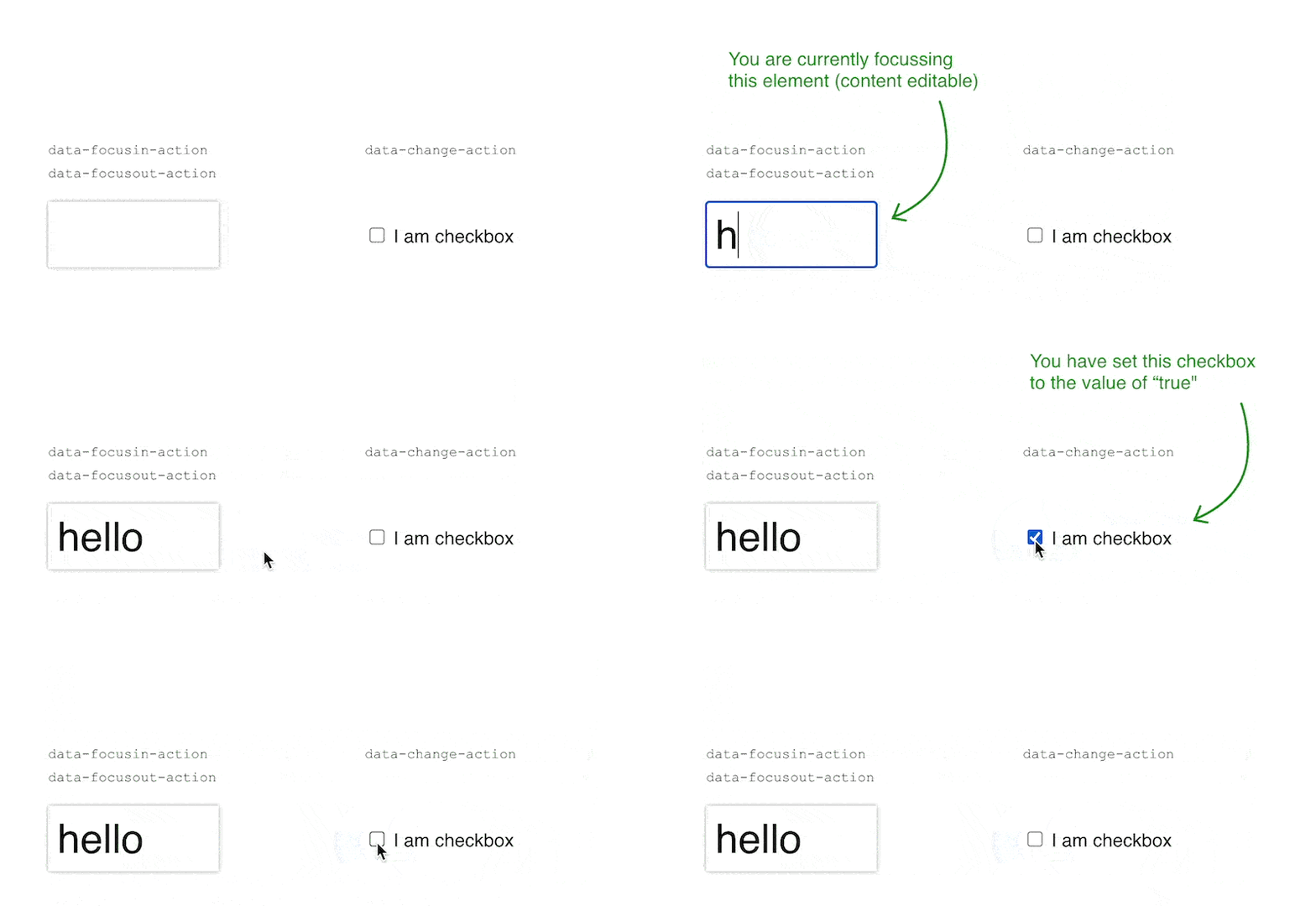
data-focusin-action
data-focusout-action
data-change-action
data-pointerover-action
data-pointerout-action
data-pointermove-action
This example demonstrates multiple features. Foremost, the event bubbling aspect in combination with the latest update (1.0.9+) using the closest action match. This allows to embed an SVG into a rectangle, in this case a map*. The event is only defined in Hype on the rectangle but is triggered by all path elements in the SVG.
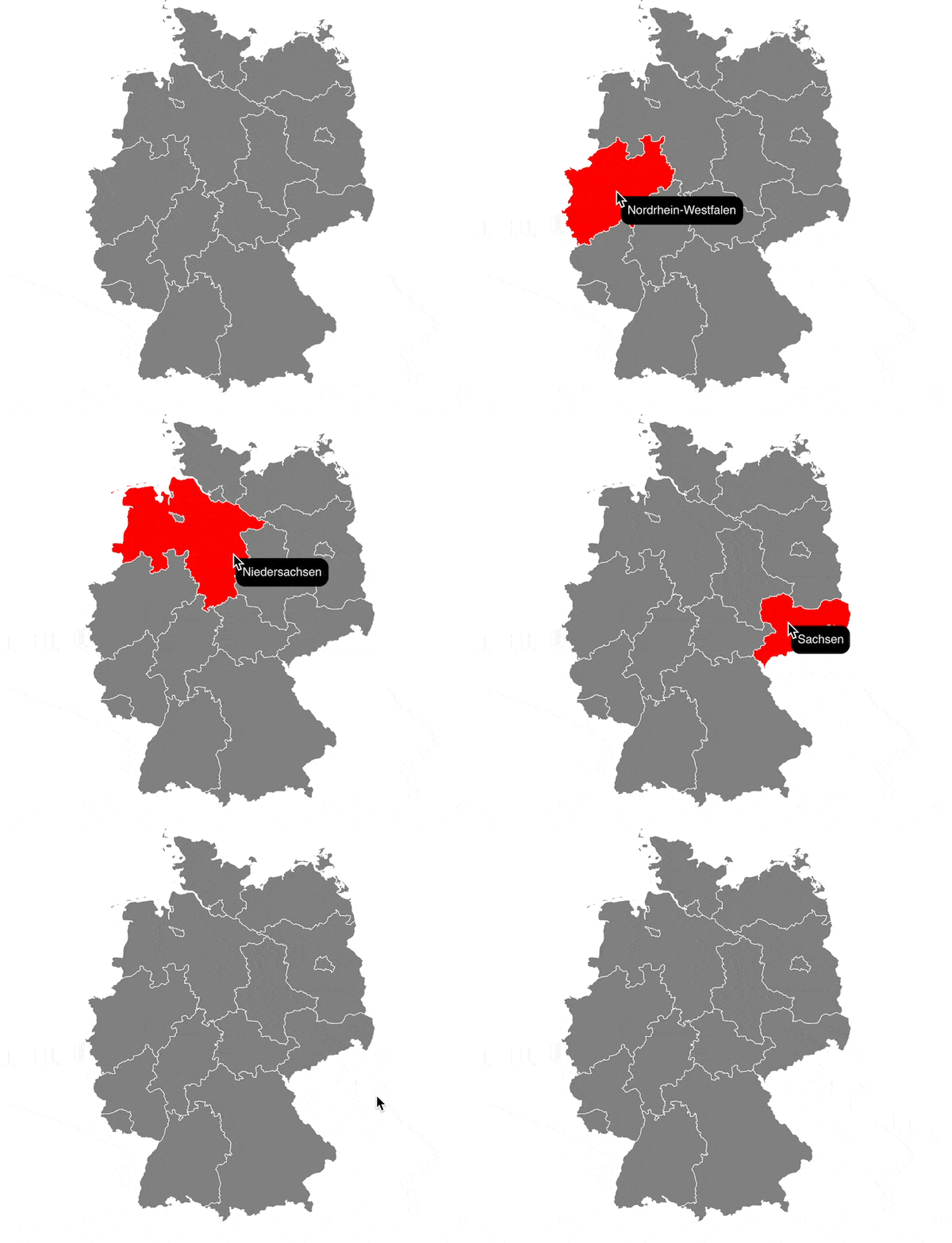
Example_demonstrating_event_bubbling_and_closest_feature.hype.zip (81,0 KB)
Here is another version with transitions, ID and Name to CSV and dynamic tooltip positions:
Example_demonstrating_event_bubbling_and_closest_feature_transition_tooltip_pos.hype.zip (81,9 KB)
Map from simplemaps, all administrative regions are identified by name and id in the SVG source code. Find more maps and regions at https://simplemaps.com/resources/svg-maps (they are free for commercial use, attribution is optional).
data-document-scroll-action
Example_playing_around_with_scroll_Mary_Cassatt.hype.zip (385,4 KB)
data-mutation-action
data-scene-load-action
↑ look at project
1.1.0 Added hypeDocument.querySelector and hypeDocument.querySelectorAll, minor fixes
I am back after 


 … was a real shocker, get vaccinated, I am glad I was…
Welcome back!
data-change-action
This example demonstrates the versatility to define an action handler inside a rectangle (div) or on the Additional HTML Attribute.
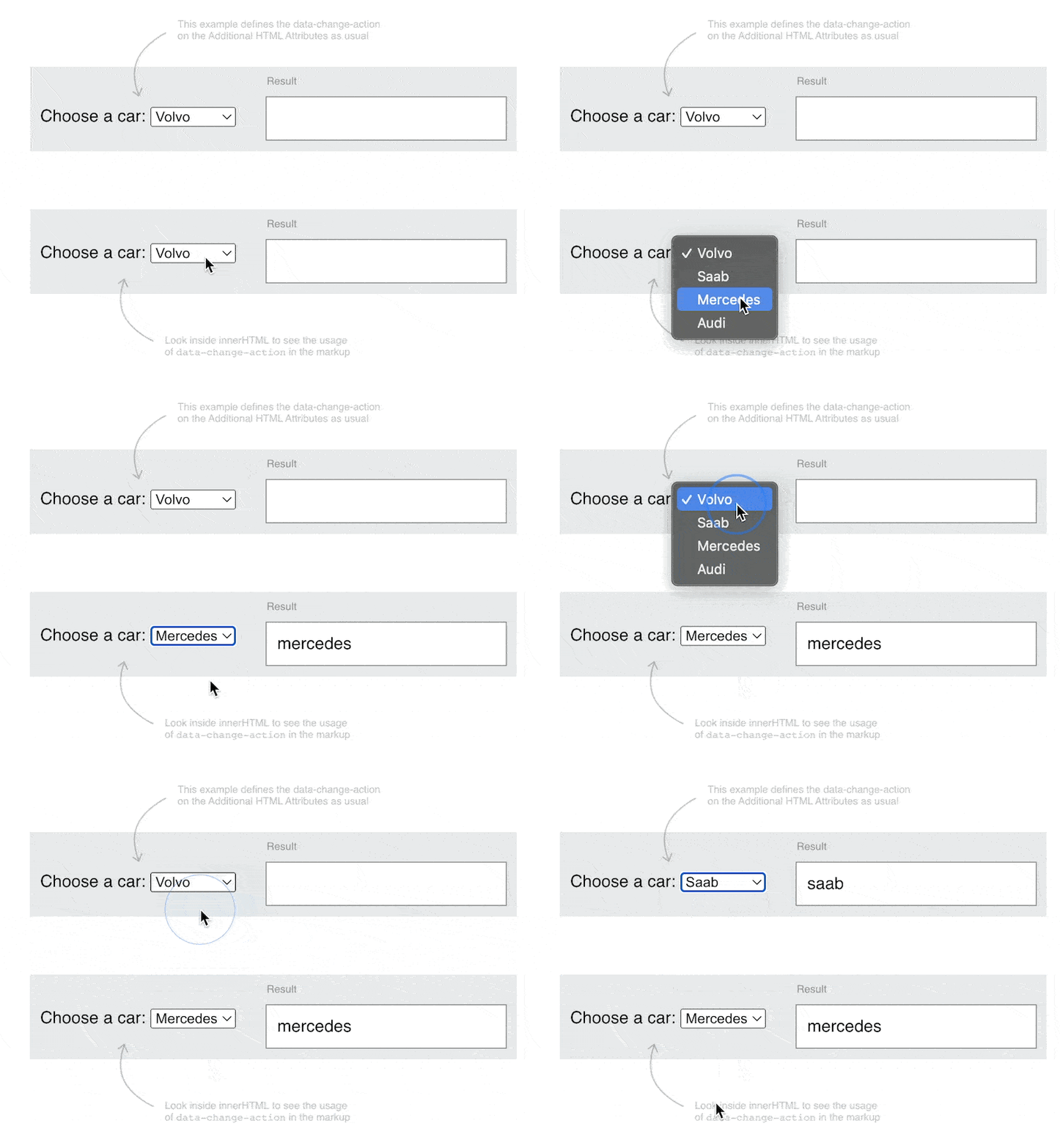
Example_Data_Attribute_Change_with_a_select.hype.zip (38,0 KB)
data-animation-frame-action
data-pointermove-action
data-scene-load-action
Allows to pan across a larger image or SVG. Uses the pointer position in relation to the viewer width to pan the image. Hence, it should also work in a flexible layout scenario. This file also demonstrates how you can use a single callback function with a switch statement.
Example_smooth_scroll_large_areas_flexible_layout_compatible.hype.zip (697,9 KB)
This example is a follow-up to the Hype Dynamic Camera map, but uses a SVG as the basis. It's a quick implementation and bare bones and as such you need to keep the SVG at it's intended dimension and expand the camera square around it while editing in the Hype Editor.
Example_using_Hype_Action_Events_and_Hype_Dynamic_Camera_using_a_SVG.hype.zip (72,2 KB)
data-input-action
data-scene-load-action
This is based on the beautiful variable font called "Manrope" (Open Font License). One could use a mutation observer or resize observer action to drive the font width based on the width of a rectangle. In this case, we are only listening to the input event of a simple slide input.
https://manropefont.com/

3 posts were split to a new topic: Using Hype Action Events for collision detection
3 posts were split to a new topic: Using Hype Action Event for parallax scrolling effects
data-document-scroll-action
data-intersection-action
data-document-scroll-action
data-intersection-action
Based on the scroll progress example
Here is a version using an image sequence and a canvas:
https://playground.maxziebell.de/Hype/ActionEvents/Example_Data_Attribute_Document_Scroll_Experiment-Image-Frames.hype.zip
Preview:
Video preview as a link if the above embed doesn't work for some reason.
Update: Now uses a map for preloading and has some more options