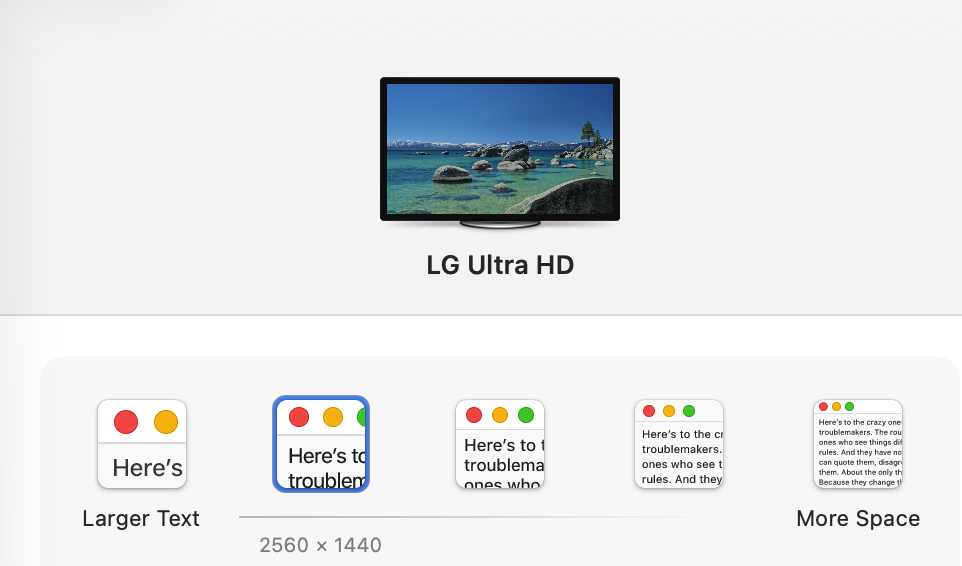
I seem to have a reoccurring bug in Tahoe using Hype 4.1.20 on Mac Studio, Restarting the App fixes it however it comes back at a random.

I seem to have a reoccurring bug in Tahoe using Hype 4.1.20 on Mac Studio, Restarting the App fixes it however it comes back at a random.
I also have this. Mac mini pro m2. For me it’s always visible on my second screen. And indeed, restarting Hype solves the problem. It starts after Hype has been opened for a couple of hours.
Same for me
I suspect the thumbnail renderer (left side panel) is executing an off-screen image snapshot following a mutation of the webkit instance. However, it appears to be visible on-screen in this instance.
This is a Tahoe Specific bug, I don’t see this on Sequoia on my MacPro 2019 Intel.
Thanks for reporting this issue. @MaxZieb's comments are correct - to generate the thumbnails for the scene/layouts sidebar we need a "real" window to do it properly. However the placement should always appear off screen.
I suspect something in Tahoe's window management pushes it onto a screen.
For those hitting this, can you let me know:
Thank you!
Sure thing @jonathan
I just use a 4k 32” monitor no separate spaces or other monitors. Mind you this happens when hype is maximized to full screen as well. When you start of Hype its fine eventually starts bugging out regardless if hype is windowed or full screen.
Thanks!
And, interesting, then it seems multiple monitors is not the culprit. That definitely makes it more serious.
It’s always on my right monitor to the far left if Hype is on the left monitor. Otherwise it’s vice versa.
Always full screen. Seperate spaces checked.
Is there a solution in sight? Our company has updated to Tahoe — every click now creates this kind of glitch in the upper-left corner. I work with Hype eight hours a day, every day, and it’s extremely annoying.
Well, I'm not updated to Tahoe yet, not only for that reason. I don't like the interface, but I might if it becomes more performant. This bug certainly is a BIG detractor. It would be great if this gets fixed... as we also still work a lot in Hype.
macOS 15.7.7 over here. Tahoe is one of the reasons I decided against getting a MacBook Neo. 8 GB of RAM was another concern.
I'm not sure which is worse. 
Years ago…
…I suggested that the auto-generation thumbnails should be turned off. Perhaps this is an opportunity to revisit that suggestion. 
I'd rather control that manually, perhaps as part of favicon for the project or selecting my own poster image. I still manually delete the thumbnails when uploading templates.
Personally, I don't think I'd prefer a “names only” view for scenes. But if a weird Tahoe bug was distracting me, turning off thumbnails might start looking like a good alternative.
By now I thought this would’ve been rectified but it's still persistent. @jonathan any update as far as when we can expect a fix via an update?
Sorry, the bug was extremely gnarly. We have a gnarly fix but I would still like to explore a couple other options since it is pretty dramatic. If none of them bear fruit we'll at least post a beta in a couple days. For now the workaround is to quit and relaunch Hype whenever there is a display resolution/config change.
Well… look at that…
- Fixed a Tahoe issue where thumbnail generation would cause a window to briefly appear
- Changed the default GIF encoding engine
- Support for more browsers in the preview menu
It took only almost close to year to fix this, however I’m happy its been addressed, boy was it annoying.
Correct - Hype v4.1.21 is out now with a fix for this issue. It was a pretty weird bug but eventually we found a satisfactory fix. Thanks for putting up it for so long.
Thanks a lot for the fix!