I want to export my scenes to PDF.
To do this I previewed each scene individually and exported to PDF but with some scene contents moving over the bottom edge of the page.
I am not sure if this is the right approach to do this.
What size should my scene be to fit on a standard A4 PDF page?
Looks like if you want 300 DPI, it would require a scene size of: 2480 x 3508. So set your scene size to that, and then set the ‘scale’ of your PDF during printing to be 100%.
You might want to try saving as PDF in Chrome, Safari, and Firefox and see which one gives you better results. They all have unique differences during printing / PDF generation.
Thank you Daniel
Will try this now
Much appreciated
Hello.
How do you save the scene to PDF? From the preview?
Thank you!
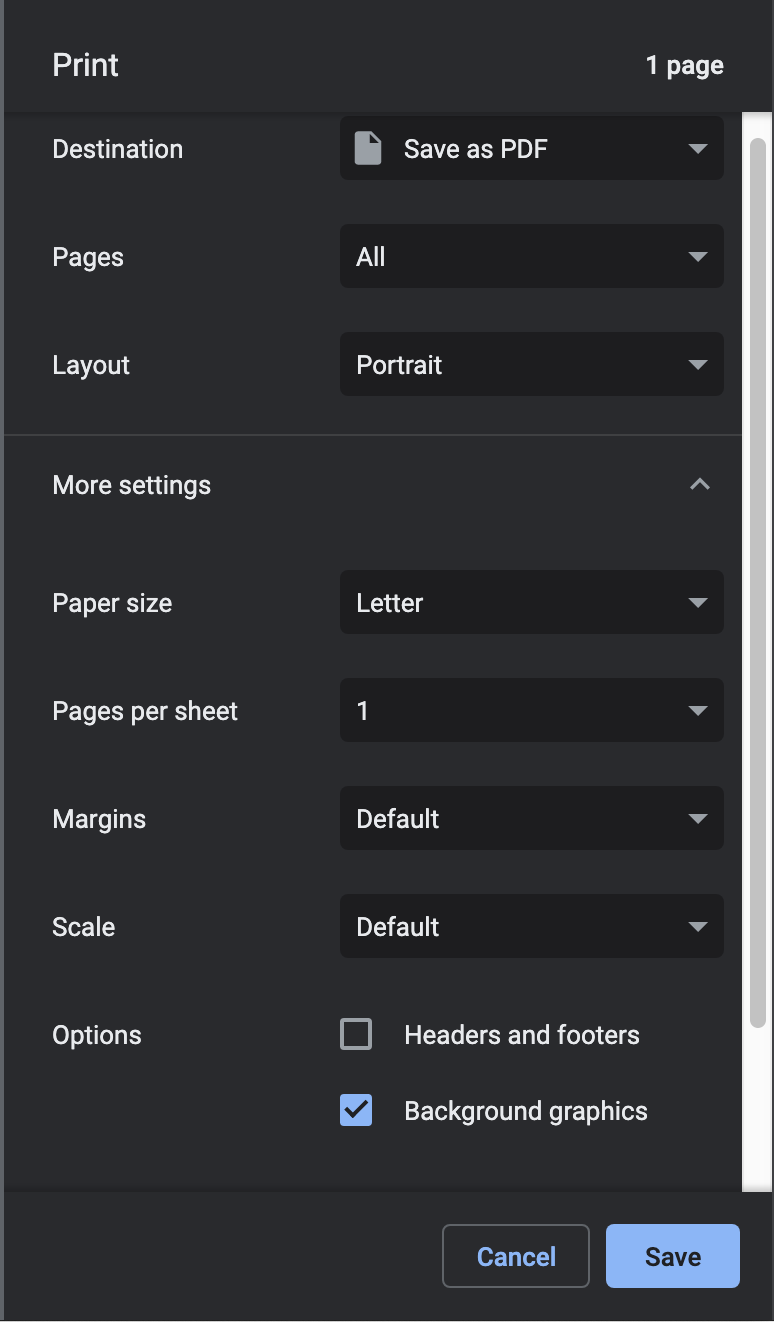
Thank you!
It would be wonderful if export to PDF (and SVG) was a built in feature of Hype.
I’ve been using Hype as a replacement for PowerPoint/Keynote [Howto: Navigate Scenes with Arrow Keys (Similar to a Powerpoint or Keynote Presentation)] & the results are way more impressive.
But I just spent 1¾ hours compiling a 32 page PDF, when all I’d need to do in PowerPoint/Keynote is hit cmd-P.
This cool project by Max will let you show multiple scenes on one page: Hype ScenePage (all scenes on one page)
Printing that might look a bit better? But probably not for that many pages…
Just realized I remember a CSS class for printing:
break-before: always will split up these scenes to their own page. So Max’s script can be modified with that after each scene.
.HYPE_scene { break-before: always; }