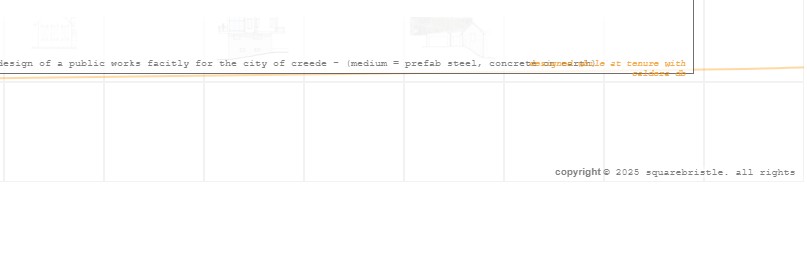
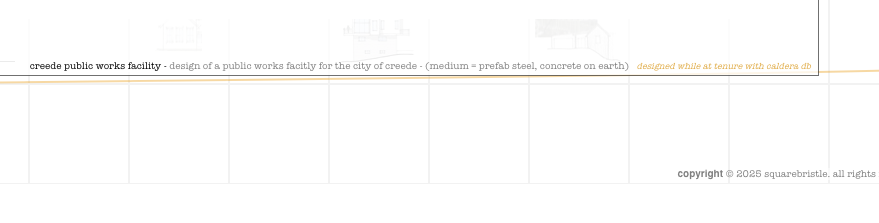
I am doing a relative easy website that has text that is rendering different in not only different browsers, but the same browser - different os (ie text is rendering different in Firefox on my Mac then on my PC) - very frustrating this. I am using a weird font (for some reason - american typewrite) and wondering if a more “standard” font would eliminate this issue? Has anyone else experienced this?
Unfortunately browsers use their own independent rendering paths, so it can be subtly different between them. Some of these differences can add up and cause text wrapping in different spots and such.
If it is more than minor differences, it might be that the font itself is being chosen differently.
There are a few controls like CSS text-rendering and font smoothing, but these are not super standardized and won't necessarily help with consistency.
You're welcome to post screenshots or a zip of your .hype document if you'd like more guidance (but in most cases there's not much that can be done).
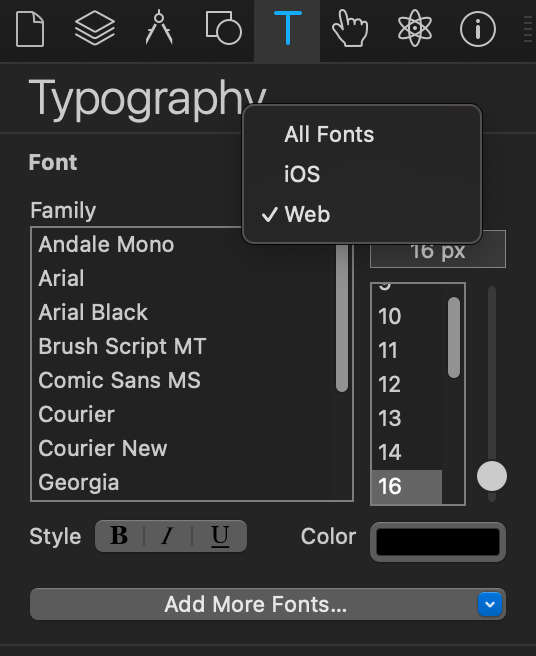
Yes, the issue is that you are using American Typewriter, but this is not a font available on windows, so it is falling back to Courier New. I recommend what @Photics said and choose one from the "Web" category.