It’s a good feature request, and it’s been requested many times – I’ve added your vote.
Here’s a quick way:
- Preview in Chrome
- ⌘ + shift + p
- Type
screenshot - press the down arrow to select ‘node’ which will get the ‘body’ element:
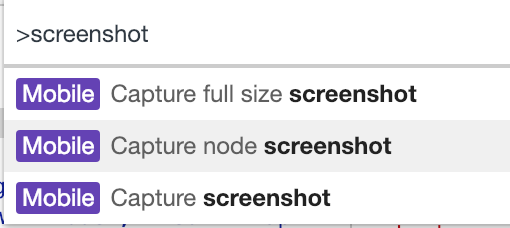
- press
returnand a screenshot will saved of the current state