Chizz
July 22, 2024, 11:49pm
1
Hello.
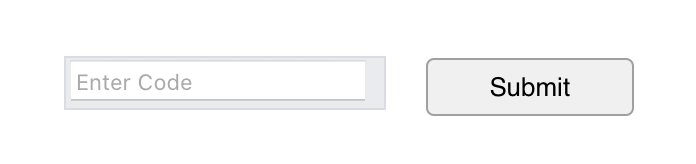
I have an input field that with correct entry code 4557, will advance to the next scene. Button Inner HTML:
<input type="text" id="codeInput" placeholder="Enter Code">
<button id="submitButton">Submit</button>
<p id="errorMessage" style="color: red; display: none;">Incorrect code. Please try again.</p>
With this JS function:
function checkCode(hypeDocument, element, event) {
    var codeInput = document.getElementById("codeInput").value;
    var errorMessage = document.getElementById("errorMessage");

    if (codeInput === "4557") {
        hypeDocument.showNextScene("Scene-2", hypeDocument.kSceneTransitionPushRightToLeft, 1.1);
    } else {
        errorMessage.style.display = "block";
    }
}

if ("HYPE_eventListeners" in window === false) {
    window.HYPE_eventListeners = Array();
}
window.HYPE_eventListeners.push({
    "type": "HypeDocumentLoad",
    "callback": function(hypeDocument, element, event) {
        document.getElementById("submitButton").addEventListener("click", function() {
            checkCode(hypeDocument, element, event);
        });
    }
});
any insight is most appreciated.
That doesn't bother me, but it looks like your sample code was only partially formatted. That makes it tougher for people to read on this forum.
I'm not sure what you're trying to do, but it seems a little complicated. What are you trying to do with the window.HYPE_eventListeners.push part?
It looks kinda like a video game passcode setup. That's the topic of the next video on the Tumult Hype Tutorials list, but I wasn't motivated enough to create it. The last one was created over two years ago.
What is it you're trying to do exactly? That information might help others to help you.
Also, are there any error messages shown in the developer tools / console? That's usually the first place I look when I'm having trouble with JavaScript that I wrote.
MarkHunte
July 23, 2024, 5:24am
3
Your code is a bit messed up.
You could get rid of all the hype eventlistners code. It should be in the head any way but is also not right.
Remover the submit button. You do not need it as you have it and it makes things harder.
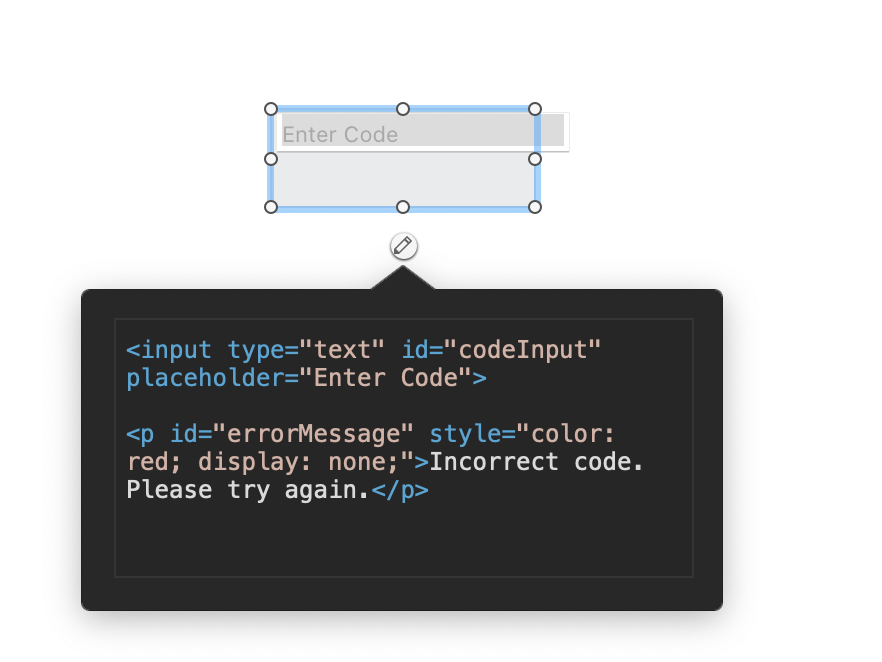
<input type="text" id="codeInput" placeholder="Enter Code">

<p id="errorMessage" style="color: red; display: none;">Incorrect code. Please try again.</p>
Add a hype button that points to the checkCode function
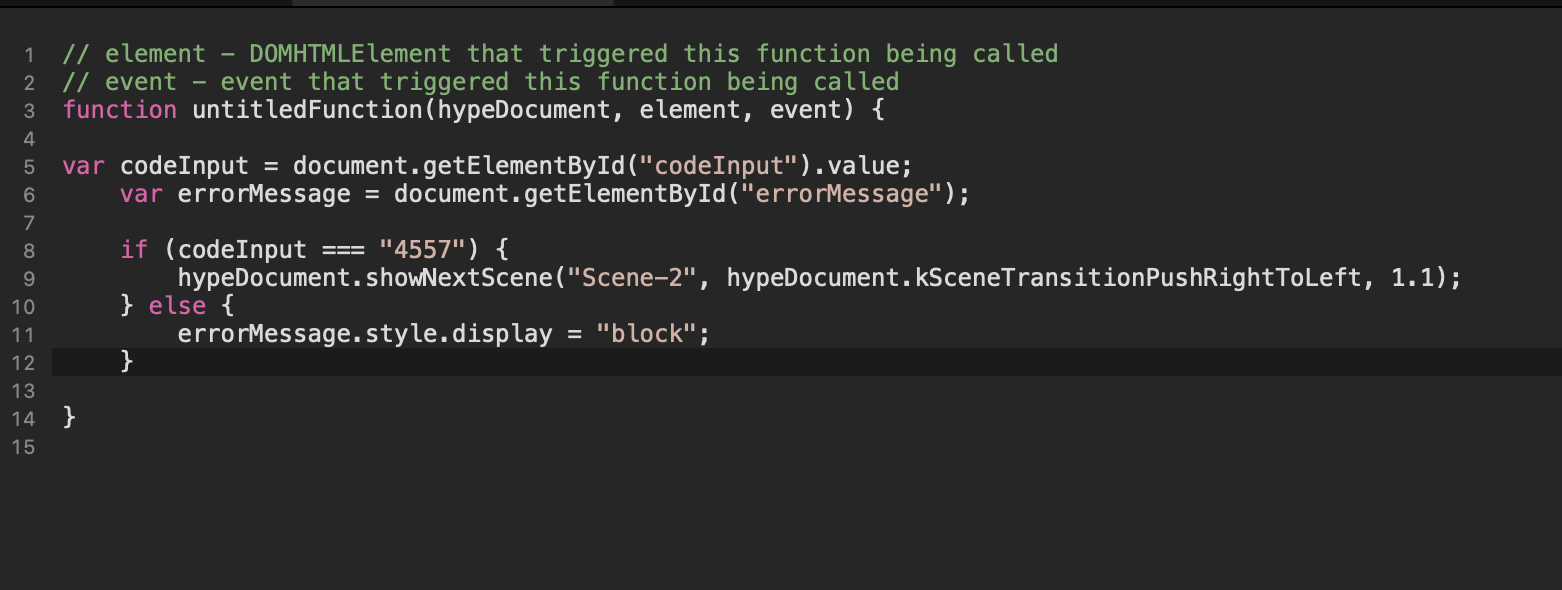
   var codeInput = document.getElementById("codeInput").value;
    var errorMessage = document.getElementById("errorMessage");

    if (codeInput === "4557") {
        hypeDocument.showNextScene("Scene-2", hypeDocument.kSceneTransitionPushRightToLeft, 1.1);
    } else {
        errorMessage.style.display = "block";
    }
I'm not sure what's going on here, but I usually use the Input event listener when a form value changes… Element: input event - Web APIs | MDN
…but using a Hype action for a button (which runs the JavaScript) seems to be a way to go.
MarkHunte
July 23, 2024, 2:16pm
5
Because all they are doing is checking the value after a button is clicked. So may as well use a hype one and keep it in house..
Chizz
July 23, 2024, 6:08pm
6
Hey Guys... thanks for your time.
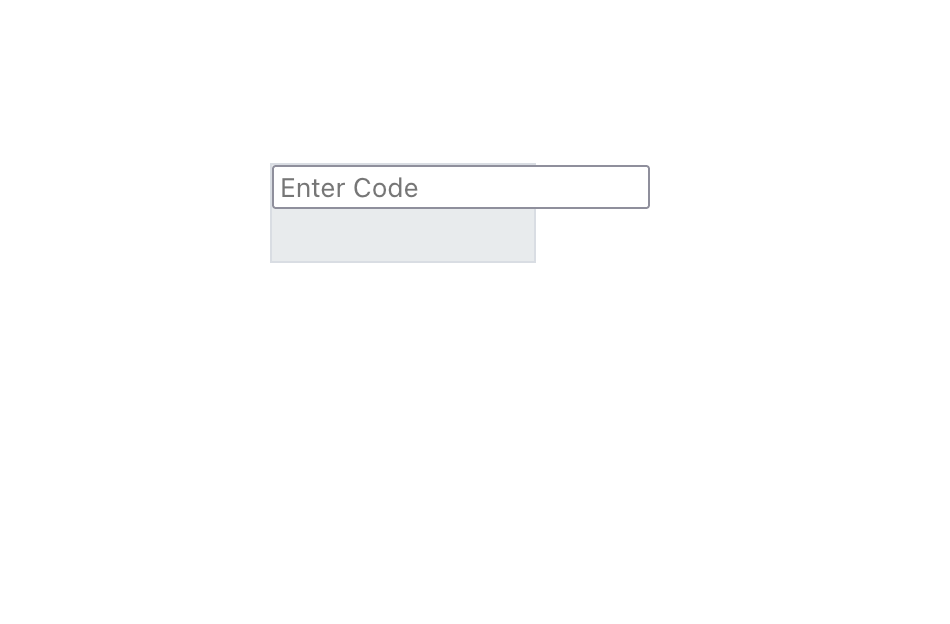
Mark, when I add your update, doesn't work... and I get this:
This initially was a fiverr request, why so complicated, no idea.
MarkHunte
July 23, 2024, 6:45pm
7
??
where is the Hype button ?
input.hype.zip (23.3 KB)
Chizz
July 23, 2024, 10:44pm
8
That's the way it was rendered. I did not check if there was a container conflict. Zip file received, thank you again for your time