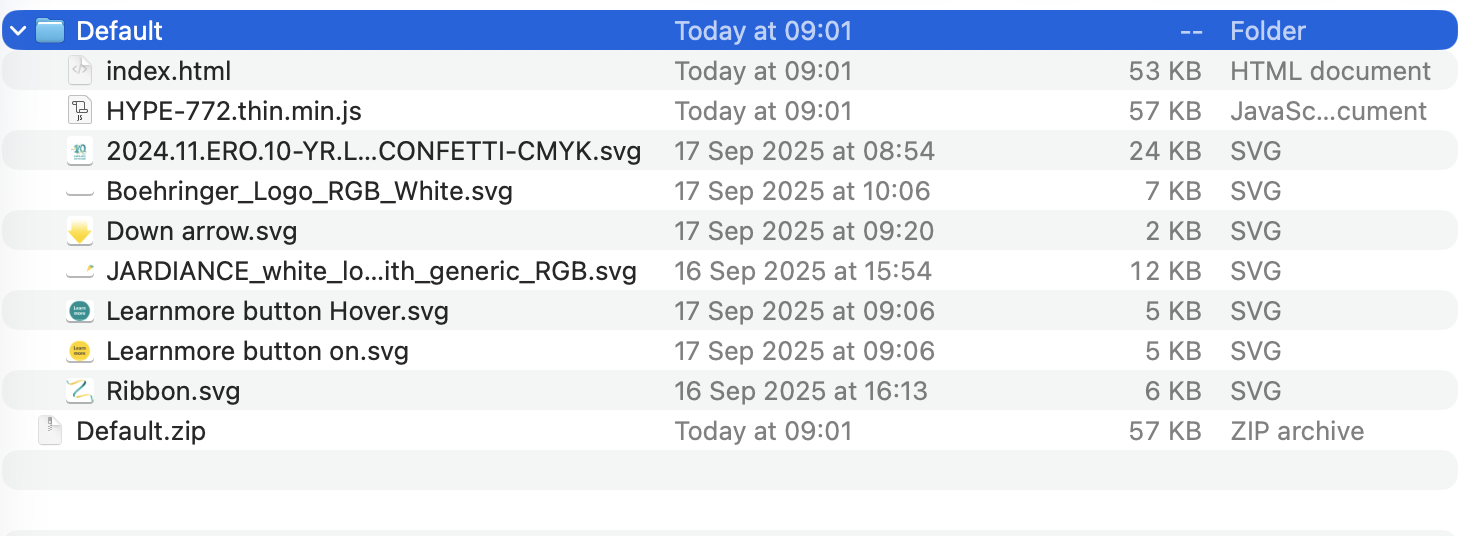
I also updated to macOS Tahoe 26.0 and the export scripts are not working anymore. ClickTag options disappeared from the Document tab, Actions (like adding clicktags to elements) disappeared, and export is just exporting a directory with a .html file and a subdirectory .hyperesources in it.
Most export scripts are written in python but an older version of macOS removed python from the system install. Therefore Hype export scripts also ship python to run and a bit of bridging (the "enabler") to make sure they work with Hype. This updated PythonExportScriptEnabler package fixes a minor bug that was exposed by the macOS update in the bridging code.
Others on older versions of macOS are welcome to try it to, as to make sure it still works!
Please let me know if this resolves it for you, if so I will push it out and users will get notified they will need to update. Thank you!
Hi Jonathan, many thanks for the patch, I can confirm that the usual export (in this instance DCM export) is now creating the folder contents I expect. thanks again
Wish I could help test this patch, but I reverted to macOS Sequoia already - as I needed to export some banners ASAP - and since I wasn’t a big fan of Tahoe anyway, I’m not planning to upgrade again any time soon.
What I can say is that after a clean install (Sequoia 15.7, Hype + export scripts), everything worked perfectly again, so it’s 100% a Tahoe issue. Also, not sure if John only experienced file structure differences, but for me the scripts didn’t work at all:
Export Script Arguments section from the Document tab was missing
Extra actions form the Actions tab (like “Exit”, “Exit Override”, etc.) were missing
Exports resulted in a folder, instead of a .ZIP file
The only thing that was not “broken”, is that they were still listed as options in the File > Export as HTML dropdown.
Thanks @stokerjohn and @revenueJack (even if it is on an old version, making sure it still works is useful!).
Others are welcome to try, but I will be pushing out this update later today and there will be a notification when launching Hype (if you have check for updates enabled) that there is a new version of the Python Export Script Enabler available.
*(Actually, I uninstalled Tahoe because I don't like it. So, I don't know if my Hype scripts still work. I've been pondering the switch to Linux. No Hype is a concern.)
Yes, JXA would not be affected by this bug. This is only an issue with export scripts in python whose code begins with #!/usr/bin/python. JXA export scripts begin with #!/usr/bin/env osascript -l JavaScript and should work just fine.
Sadly most export scripts begin with that python line and would have gotten hit by the bug (now fixed).