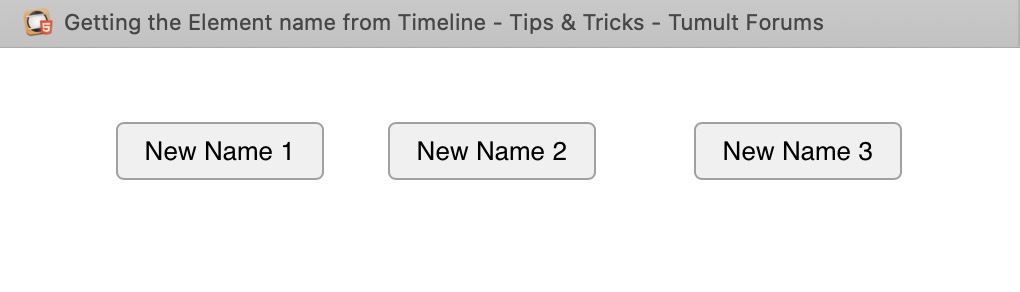
Ok.
As said there is no access to the display name of a normal element.
But lets make things a bit quicker for you.
1,
Select you buttons
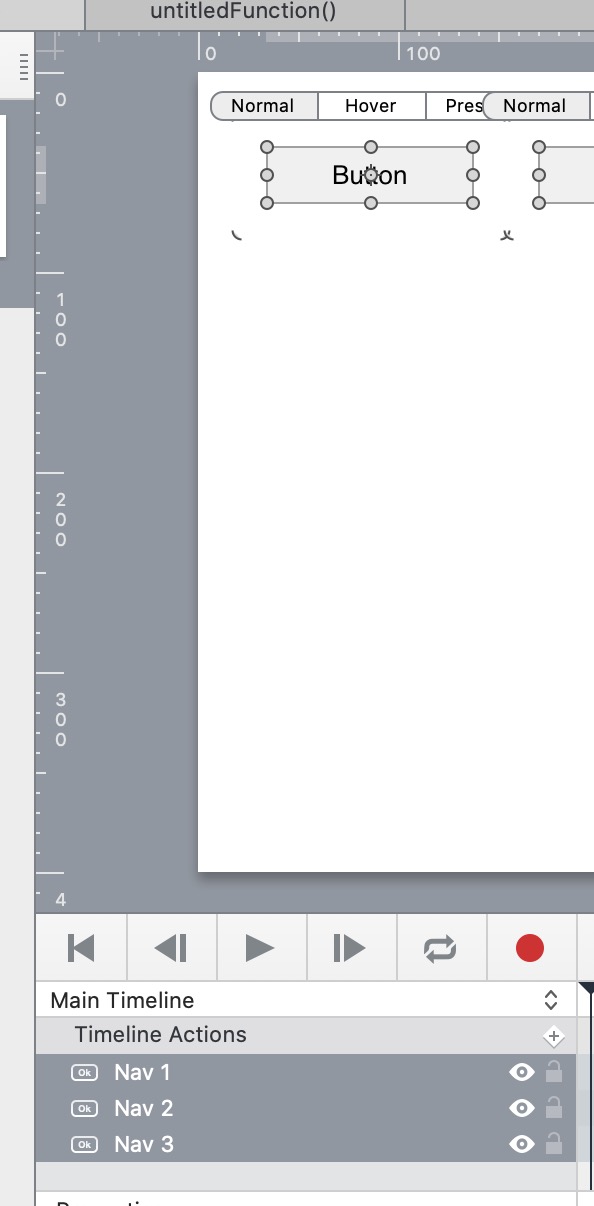
2,
In the Identity Inspector.
Change the name.
This will ask you if you want to make them the same or unique.
Choose unique and Sort order Descending or Ascending , depending on which direction you buttons fall.
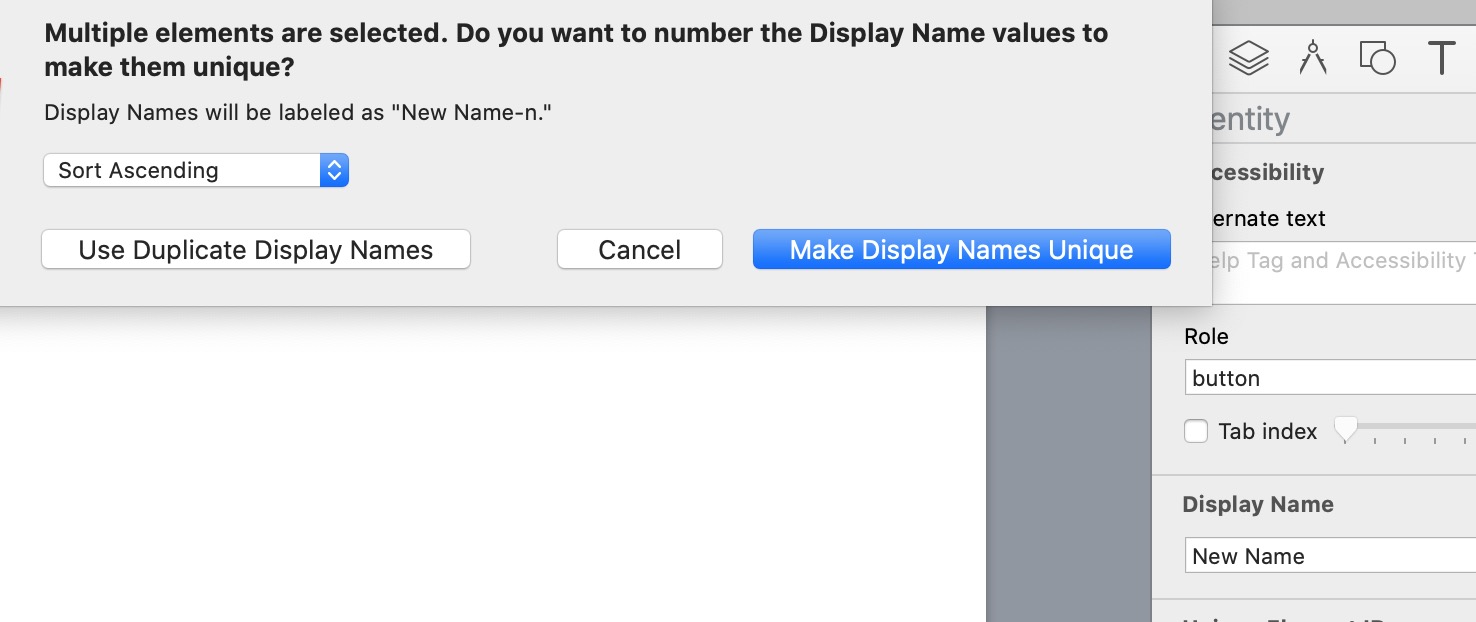
The display names will get a number added
3,
With all the elements still selected.
Do the same for the id
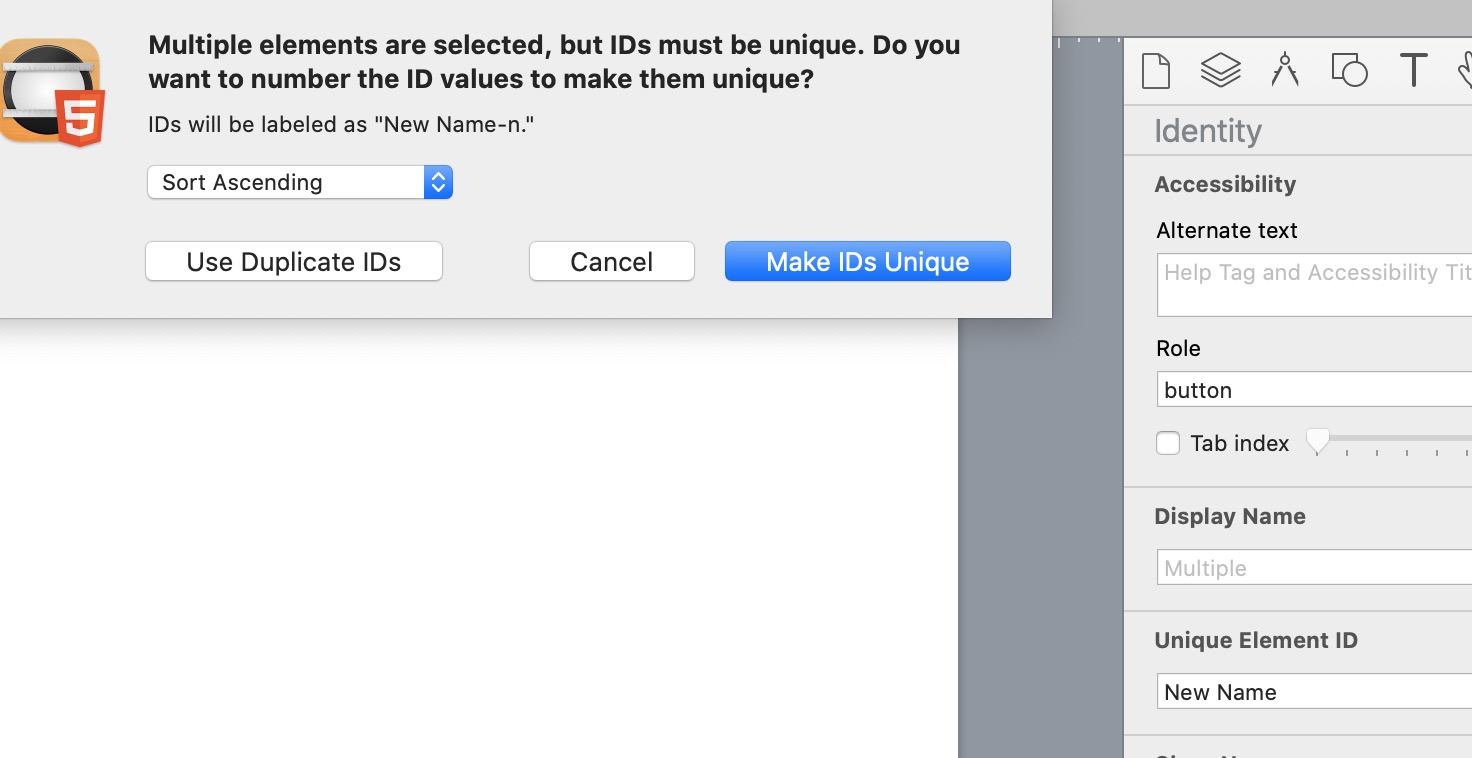
The ids will get a hyphen and a number added to make them unique.
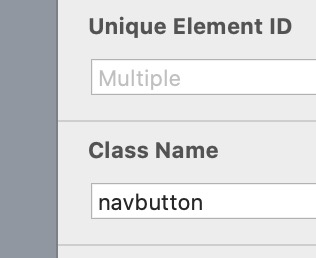
Give the elements all the same class name ( you only ever have to do the class name once in you template )
Now on a scene load.
Run this code, which will set the text from the ids.
It also removes the added hyphen and replaces it with a space.
    //-- get all nav button
	var navButtons = document.querySelectorAll('.navbutton')


	//-- itterate and change them
	navButtons.forEach(changeName)

	function changeName(button)  {

	//use their IDs as the text and replace the hyphone with a space

	button.innerHTML = button.id.replace('-',' ')

	}