Amazing as always @MaxZieb !, I'll try it first thing tomorrow!
*Edit: I've checked it, and I had to change it from img to body, and it works great 
s.appendChild(document.createTextNode('body{image-rendering:-webkit-optimize-contrast !important;}'));
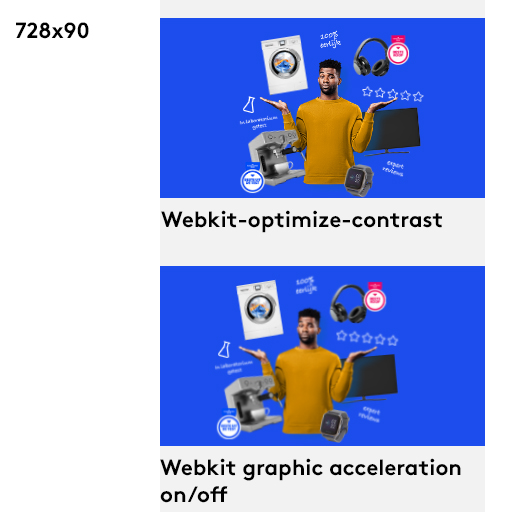
@jonathan Yes, I've got 3 exports on a preview page demonstrating the differences (on a non retina display) On a Mac display they're all sharp, however on a Dell or any other non-retina display they're blurry.
Preview (Webkit graphics acceleration on)
Preview ((Webkit graphics acceleration off)
Both are blurry for me (on my extra dell monitor)
And here the Preview (with the webkit contrast css as stated in stackoverflow), this one is sharp for me on my non-retina screens on Google chrome (however, overly contrasted on safari).
(The blurry artifacts happen on the smaller sized banners, as the master is created on the 300x600, any size around those images should be sharp, but the smaller sizes are blurry. *note that the copy and graphics are all svg's, however the images surrounding the character are all png's, which get blurry)