That’s exactly what I was talking about, but no solutions it seems… 
SO…I spent my free time of the last days crushing my head on my Mac to find a workaround, and today I finally came out with a working script to trick Hype! 
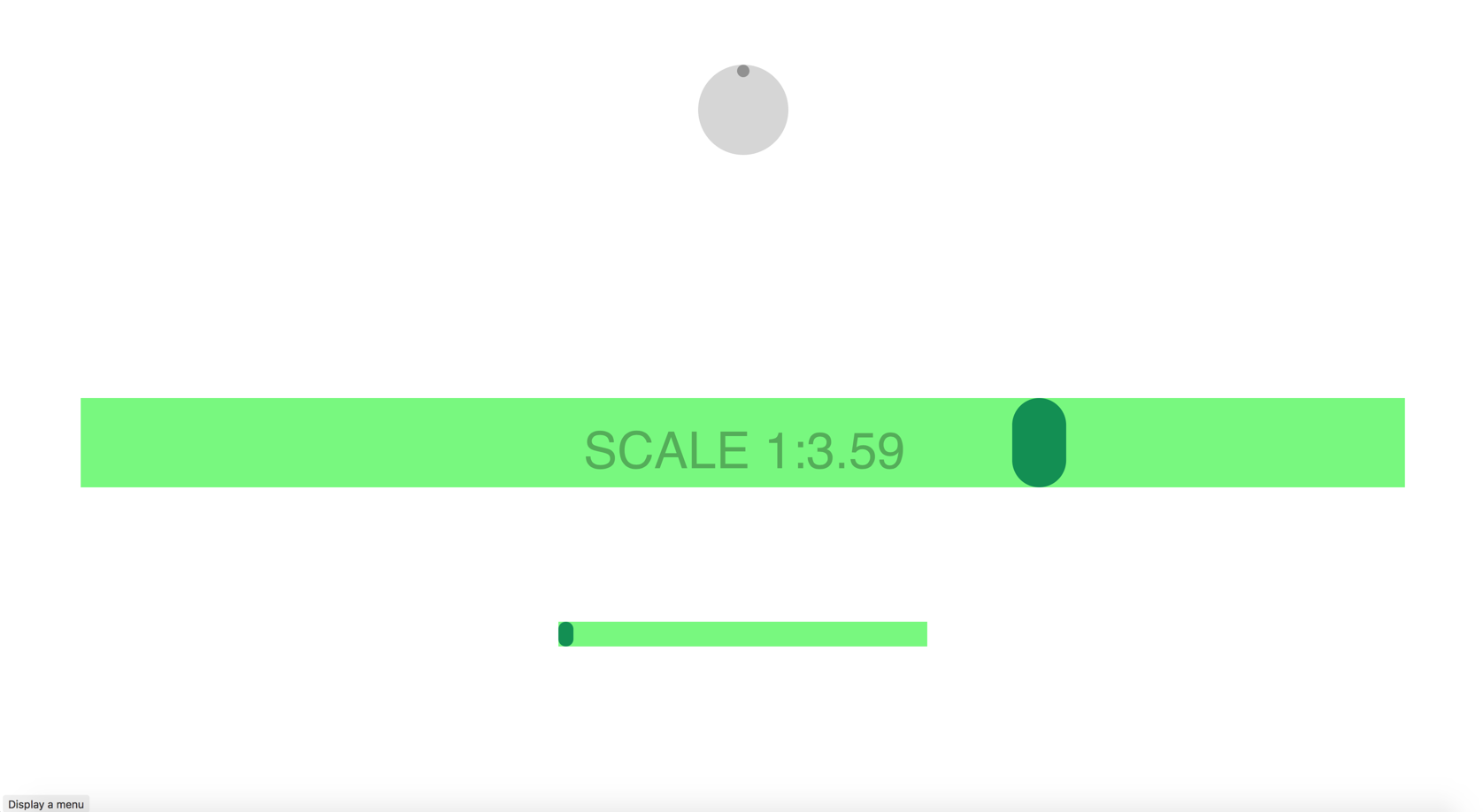
Maybe there’re some edge cases and bugs, but maybe you can help me to improve it! 
WHAT YOU NEED
- a slider inside a Symbols with it’s timeline (“Slider” by default)
- an hidden slider longer than the other one (“HiddenSlider” by default)
- group the Symbol, add scale/flexible properties and add a class (“flexwrapper” by default)
- with the On Drag event the handler moves the HiddenSlider (but NOT the Slider)
- call to the “flexSlider()” function in the same On Drag event of the handler
- define a target timeline to be controlled by the slider (it MUST have the same duration of the Slider timeline)
Enjoy!
// SETTINGS
var flexClass = "flexwrapper";
var parentElement = findAncestor( element, flexClass);
var sliderTimeline = "Slider";
var hiddenSliderTimeline = "Hidden" + sliderTimeline;
var targetTimeline = "Test";

// GET SYMBOL INSTANCE
var symbolInstance = null;
var parentSymbolElement = element.parentNode;

while (symbolInstance == null && parentSymbolElement != null) {
    symbolInstance = hypeDocument.getSymbolInstanceById(parentSymbolElement.id);
    parentSymbolElement = parentSymbolElement.parentNode;
}

// GET SCALE (default is 1:1)
var scale =  getElementScale(parentElement);

// CALCULATE HIDDEN TIMELINE END
var hiddenSliderTimelineEnd = symbolInstance.durationForTimelineNamed(sliderTimeline) * (  scale.x );

// UPDATE HIDDEN TIMELINE INDEX ON WINDOW RESIZE
if( !element.hasAttribute("flag") ) {
	window.onresize = function(event) {

		var scale =  getElementScale(parentElement);
		var newHiddenTimelinePos = symbolInstance.currentTimeInTimelineNamed( sliderTimeline ) * (  scale.x );

		symbolInstance.goToTimeInTimelineNamed( newHiddenTimelinePos, hiddenSliderTimeline );

		// UPDATE SCALE - You can remove this! ;)
		var el = document.getElementsByClassName("scale");

		for (var i = 0; i < el.length; i++) {
		    el[i].innerHTML = scale.x.toFixed(2);
		}
	};

	element.setAttribute("flag", "flag" );
}


// LIMIT HIDDEN TIMELINE IN RELATION OF THE REAL TIMELINE END
if( symbolInstance.currentTimeInTimelineNamed( hiddenSliderTimeline ) > hiddenSliderTimelineEnd ) {
	symbolInstance.goToTimeInTimelineNamed( hiddenSliderTimelineEnd, hiddenSliderTimeline );
}


// TIMELINE SCALE HACK
var scaledTime = symbolInstance.currentTimeInTimelineNamed( hiddenSliderTimeline ) * ( 1 / scale.x );

symbolInstance.goToTimeInTimelineNamed( scaledTime, sliderTimeline);


// UPDATE TARGET TIMELINE
hypeDocument.goToTimeInTimelineNamed( scaledTime, targetTimeline )


// FUNCTIONS

function getElementScale(elem) {

	var scale = {'x': 1, 'y': 1};

	if( elem ) {
		var transform = /matrix\([^\)]+\)/.exec(window.getComputedStyle(elem)['-webkit-transform']);

		if( transform ) {
			transform = transform[0].replace('matrix(', '').replace(')', '').split(', ');
			scale.x = parseFloat(transform[0]);
			scale.y = parseFloat(transform[3]);
		}
	}

	return scale;
}

function findAncestor (el, cls) {

	while ((el = el.parentElement) && !el.classList.contains(cls));

	return el;
}
Flex Slider.hype.zip (18.4 KB)
PS
I know is pretty complicated and requires an hidden Timeline and…blablabla…but I tried hard to overwrite Hype while its moving the handler and I couldn’t make it in that way… :’( I hope somebody can write something cleaner and easier following my approach! 
PPS
I know there’s a bug in the scale load at the first call: I was too lazy to fix it since is just for debugging 